
 🆘 Worried about trouble abroad? Travel AI Rescue helps you on the spot — theft, illness, a lost passport, scams & more. See how it works →
 My AirTag Shows Exactly Where My Bag Is — Why Won’t the Airline Just Give It to Me?
Short answer
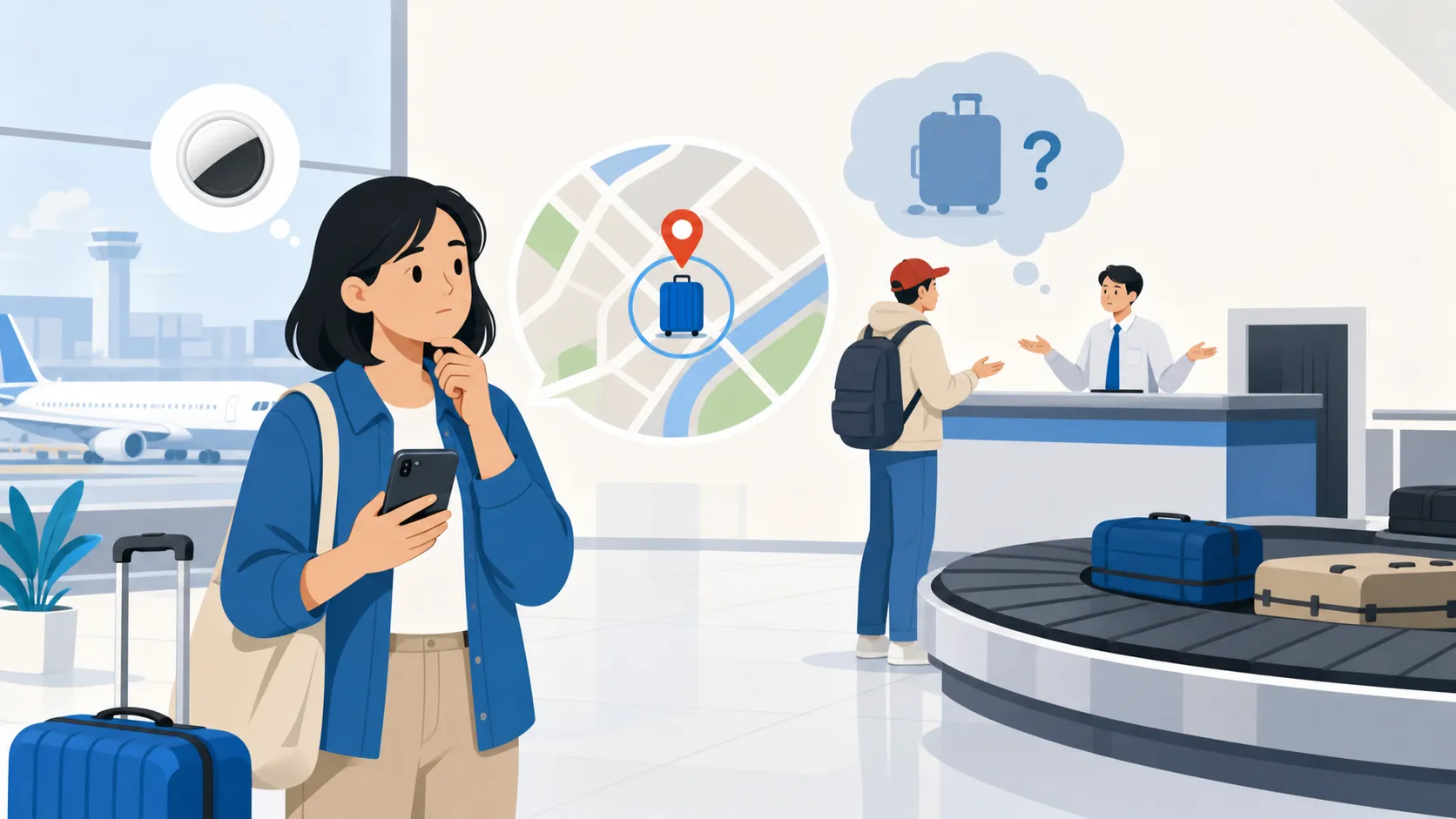
Location data tells you where a signal is coming from; it doesn’t establish custody or clear a bag through the airline’s handling and security process. As a rule, checked baggage — even a bag you can pinpoint on a map — has to move through the airline’s official baggage-claim process, starting with a Property Irregularity Report (PIR), before it can be released to you. But sharing your tracker’s location with airline staff can genuinely help them locate and route the bag faster.
If this is happening right now
- Before leaving the airport, go to the baggage service desk and file a Property Irregularity Report (PIR) — this is what puts your bag into the airline’s tracing system.
- If asked, share your tracker’s live location with the airline staff handling your case — this can help them find the bag faster, but it doesn’t replace the PIR.
- Get your PIR reference number in writing and use it to follow up through the airline’s baggage tracking portal or contact center.
What this is
The baggage-claim process is the formal system airlines use to log, trace, and return checked baggage that hasn’t arrived with you — most commonly through a Property Irregularity Report and a tracing network like WorldTracer. This includes: a bag that was scanned onto the wrong connecting flight and is sitting at another airport, and a bag that is physically inside the airport you’re at but hasn’t yet cleared internal handling or customs processes. It does not include a carry-on item misplaced within the terminal, which is usually handled by airport lost-and-found rather than the airline’s checked-baggage process.
Quick-check table
| Sign to check | What it tells you |
|---|---|
| Have you filed a PIR yet? | Without one, the airline has no formal record to act on |
| Do you have a PIR reference number? | This is what you’ll use for every follow-up |
| Is the tracker showing movement or a static location? | Movement suggests it’s being processed; static may mean it’s sitting in a holding area |
| Does the tracker location match a real baggage area (not just “at the airport”)? | A location within the airport doesn’t mean it’s ready for pickup |
| Have you contacted the airline through their official baggage channel? | In-person plus digital follow-up tends to be faster than either alone |
| Has travel insurance or your card’s delayed-baggage benefit been notified? | Many benefits require notification within a set time window |
Location data vs. custody
A tracker like an AirTag can tell you that your bag’s Bluetooth signal is being picked up somewhere inside an airport. It cannot tell you whether that bag has cleared security screening, customs, or the airline’s own internal sorting — all of which have to happen before a bag can legally and safely be released to a passenger. Airlines and airport staff generally ask passengers not to come looking for a bag themselves based on tracker location alone, precisely because the location signal doesn’t reflect where the bag is in that handling chain.
Why you can’t just go get it yourself
Checked baggage areas sit behind security and customs boundaries that ordinary passengers can’t access without authorization. Even when your tracker shows the bag is “right there,” retrieving it yourself would mean bypassing screening and chain-of-custody controls that exist for security and liability reasons — for both the airport and the airline. This is also why airline staff, not passengers, are the ones who physically locate and route a bag once its position is known.
What a tracker tells you vs. what a PIR does
| Location tracker (e.g., AirTag) | Property Irregularity Report (PIR) | |
|---|---|---|
| What it shows | A rough physical location of the bag | An official record that your bag is missing/delayed |
| Who can act on it | Only airline/airport staff with access to secure areas | The airline’s baggage system and trace network |
| Does it move the bag toward you? | No, by itself | Yes — it triggers tracing and routing |
| Is it required for compensation claims? | No | Often yes, since it’s your proof of report time and details |
| Best use | Share it with staff during the PIR process to help them | The essential first step in any lost/delayed bag process |
Filing a PIR: numbered steps
- Go to the airline’s baggage service desk before leaving the airport — do this the same day, ideally before exiting the arrivals area.
- Provide your bag tag number, flight details, and a description of the bag; mention that you have live location data if you have it.
- Ask for a written or emailed copy of the PIR with a reference number.
- Ask what the expected timeline is and how to follow up (portal, phone, or email).
- If the bag remains missing for several days, ask specifically about interim expense reimbursement (for essentials) and how “delayed” transitions to “lost” under that airline’s policy.
- Keep receipts for any essentials you purchase while waiting, since these are commonly reimbursable under delayed-baggage provisions.
Questions travelers ask
Should I show airline staff my tracker’s location? Yes — sharing it can genuinely speed up the search, since staff can prioritize checking that specific area, even though they still need to follow their own handling process to release the bag.
Is the airline legally required to look into a tracker location I share? Airlines vary in policy, but many now explicitly welcome tracker data as a helpful input to their own trace process — it supplements, rather than replaces, the PIR.
How long before a “delayed” bag becomes officially “lost”? This varies by airline and route, but it typically takes days to a couple of weeks of continued non-arrival before a bag is reclassified as lost rather than delayed.
What compensation might I be entitled to for a delayed bag? Many airlines offer interim expense reimbursement for essentials during the delay, and further compensation frameworks may apply depending on the route and applicable regulations — ask specifically when you file your PIR.
If this actually happens to you (Travel AI Rescue)
Watching a tracker dot sit at an airport while no one will hand you your bag is exactly the kind of frustrating, process-heavy moment where a clear next step matters more than more information.
| Free AI (ChatGPT, Gemini, etc.) | Travel AI Rescue |
|---|---|
| Can’t open it with no signal | A SIM problem is exactly when you have no signal — offline setup steps and emergency cards still work |
| You have to explain your situation every time | Already knows your plan and destination from your order — no re-explaining |
| Wrong answers in an emergency can be dangerous | SIM check uses a pre-approved decision tree; emergency numbers, embassies, and clinics come from official sources — never invented |
| No help before or after the trip | Pre-trip vault through automatic post-incident document generation (police report draft, insurance claim summary), end to end |
Included with every eSIM as standard ($7.40 if bought on its own). AI-drafted guidance, not a final medical/legal/immigration determination — contact local police, ambulance, or your embassy first in a real emergency.
Sources (checked 2026-07-20)
- AirAdvisor, “Property Irregularity Report (PIR): What It Is and How to File One”
- Pine AI, “Lost Luggage Airport Report with AirTag Guide”
- Air India, “Personal Item Tracking & Baggage Recovery” guidance
Update trigger: Re-check this article if major airlines change their official policy on accepting passenger-shared tracker data, or if a standard timeline for delayed-to-lost reclassification becomes more consistently documented.
Related pages: Worldwide Travel Trouble hub · OTA, Codeshare or Separate Ticket: Who Must Help? · Card Hold or Double Charge?
🆘 Don't just read it — be ready for it.
Travel AI Rescue is an emergency travel AI for theft, illness, SIM trouble & more — auto-drafted police reports, local-language cards and an on-device valuables vault. Bundle it with your eSIM.
See how Travel AI Rescue works →