
 🆘 Worried about trouble abroad? Travel AI Rescue helps you on the spot — theft, illness, a lost passport, scams & more. See how it works →
 I Got a Message Saying My Japan Booking Has a Problem — Is It Real?
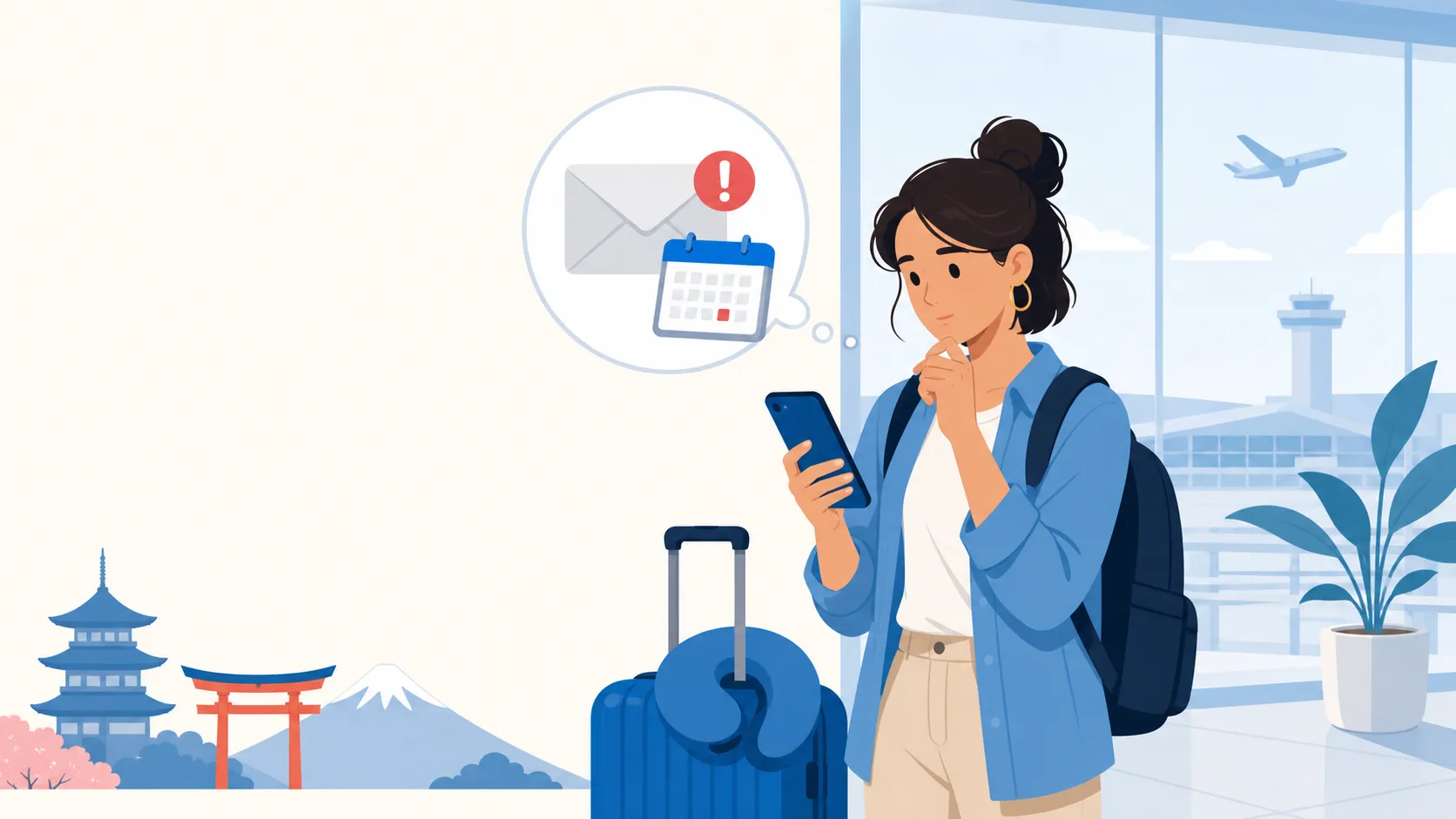
Short answer: A wave of phishing messages has been targeting travelers with Japan bookings, using real reservation details from a data leak to look convincing. They claim your reservation is compromised or your card failed and demand you “update” details within 24 hours through a link. Don’t click it — log in through the official app or site directly instead.
If this is happening now
- Don’t tap any link in the message. Close it and open your booking directly through the official app (Booking.com, the airline app, or the hotel’s own site typed manually) instead.
- Check your booking status there. If it shows normal and confirmed, the message was very likely a phishing attempt — no further action needed on the booking itself.
- If you already clicked the link and entered card or login details, contact your card issuer immediately to freeze/monitor the card, and change the password for that booking account.
Who this applies to
This applies to any traveler with a hotel, tour, or transport booking in Japan, made through any platform, regardless of nationality or how the trip was booked (agency, OTA, or direct). It assumes you’re checking messages that arrived by email, SMS, or messaging apps like WhatsApp, and doesn’t assume you have any particular antivirus or security software installed.
Normal, needs action, or emergency
| Situation | What it looks like | What to do |
|---|---|---|
| Normal | Routine confirmation or reminder email matching details you already know | No action needed, but still verify sender if unsure |
| Needs action | Urgent message demanding you “update” payment or login info via a link, with a countdown or threat of cancellation | Do not click; verify directly through the official app/site or by calling the property using a number from its official website |
| Emergency | You already entered card details or password into a link from the message | Contact your card issuer now to flag possible fraud, change the reused password everywhere, and report the message to the platform (e.g., Booking.com, the airline) |
Why this is happening right now (confirmed 2026-07-20)
A suspected data leak tied to Booking.com has fueled a surge of phishing emails and WhatsApp messages aimed at travelers, using accurate booking details — names, dates, hotel names — to appear legitimate. The messages typically claim a reservation has been compromised or a card authorization has failed, pressuring recipients to “update” their information within 24 hours or risk cancellation. The links lead to fake sites designed to capture card numbers and personal data. Multiple major Japan hotel chains, including Imperial Hotel, Hotel New Otani Osaka, and Keio Plaza Hotel, have issued public warnings telling guests not to click links in unexpected messages. A related but separate campaign has also targeted hotel staff with fake “guest review” emails carrying malware — as a traveler, your main exposure is the guest-facing version.
How to verify a booking is genuinely fine:
- Open the booking through the app you originally used, or type the official domain into your browser yourself — never through a link in the suspicious message.
- Call the property directly using a phone number from its official website or from your original confirmation email, not a number provided in the new message.
- Compare the sender’s email address carefully — phishing domains often look almost identical to the real platform’s domain but with small differences.
What this is not
This is not the same as a legitimate booking-platform notification about a genuine payment issue, which will always be reachable by logging into your account directly rather than only through an emailed link. It’s also different from a genuine card decline at checkout — see our card decline and DCC guide if a real transaction was rejected in person, since that’s an in-person payment issue, not a remote message.
Recovery after a mistake
If you clicked the link but didn’t enter any information, close the page and don’t return to it; no further action is usually needed. If you entered card details, call your card issuer immediately using the number on the back of your physical card (not one from the phishing message) to flag the card and request a replacement if needed. If you reused a password on the fake site, change that password on every account where you used it, starting with email and banking. Report the phishing message to the platform it impersonated (most have a dedicated “report phishing” address or in-app option) so they can warn other travelers.
Questions travelers ask
How did scammers get my real booking details? Reports point to a data exposure connected to a major booking platform, which let scammers personalize otherwise generic phishing messages with real names, dates, and hotel details.
Is it safe to reply to the message asking if it’s real? No — replying confirms your contact is active and may invite more targeted attempts; verify independently instead of engaging with the message.
What if the hotel itself calls me about a problem? Ask for a callback number and confirm it matches the hotel’s official published number before sharing any details, since scammers have also impersonated hotel staff directly.
Should I change my booking platform password even if I didn’t click anything? It’s a reasonable precaution if you’ve reused that password elsewhere, especially given the scale of this particular data exposure.
If this actually happens to you (Travel AI Rescue)
Scam messages are designed to create urgency exactly when you’re far from home and can’t easily verify things yourself. Travel AI Rescue is built to slow that moment down safely.
| Free AI (ChatGPT, Gemini, etc.) | Travel AI Rescue |
|---|---|
| Can’t open it with no signal | A SIM problem is exactly when you have no signal — offline setup steps and emergency cards still work |
| You have to explain your situation every time | Already knows your plan and destination from your order — no re-explaining |
| Wrong answers in an emergency can be dangerous | SIM check uses a pre-approved decision tree; emergency numbers, embassies, and clinics come from official sources — never invented |
| No help before or after the trip | Pre-trip vault through automatic post-incident document generation (police report draft, insurance claim summary), end to end |
Included with every eSIM as standard ($7.40 if bought on its own). AI-drafted guidance, not a final medical/legal/immigration determination — contact local police, ambulance, or your embassy first in a real emergency.
Sources (checked 2026-07-20)
- The Standard — Booking.com data breach scare hits Japanese travellers
- McAfee — This week in scams: fake booking confirmations
- TechRepublic — Microsoft uncovers hotel phishing campaign in Japan
Update trigger: Re-check if the booking-platform data exposure is confirmed/resolved, or if new phishing patterns targeting Japan travelers emerge.
Related pages: Money & Connectivity hub · Card declined, DCC and holds · eSIM not working in Japan
🆘 Don't just read it — be ready for it.
Travel AI Rescue is an emergency travel AI for theft, illness, SIM trouble & more — auto-drafted police reports, local-language cards and an on-device valuables vault. Bundle it with your eSIM.
See how Travel AI Rescue works →