
 🆘 Worried about trouble abroad? Travel AI Rescue helps you on the spot — theft, illness, a lost passport, scams & more. See how it works →
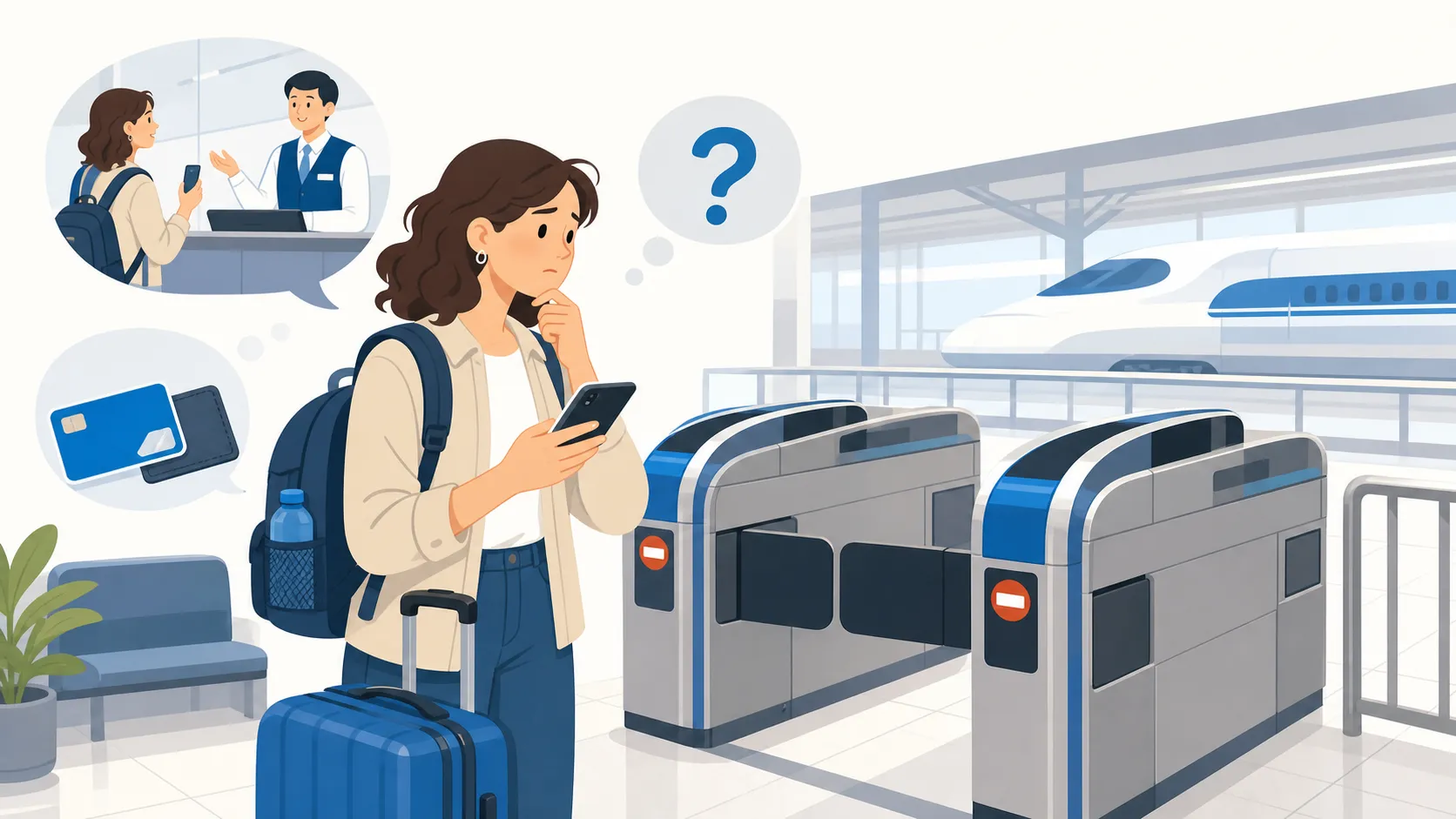
 Why Won’t the Shinkansen Gate Let Me Through?
Short answer: Shinkansen travel usually needs two things at once — a base fare ticket and a limited express (reserved seat) ticket — and gates reject you if only one is present, if they’re bent, if your reserved train has already departed, or if you’re using the wrong gate. Stack both tickets together and insert them at once, or walk to the staffed window beside the gate for manual help.
If this is happening now
- Check you’re holding (or have linked) both the base fare ticket and the limited express/reserved seat ticket — not just the seat-assignment slip.
- Insert both tickets stacked together, same direction, into the gate slot; if using a linked IC card instead, tap the card itself rather than inserting paper.
- If the gate still rejects you, go straight to the glass staff window (kaisatsu) next to the gates — staff can process it manually and let you through without delay.
Who this applies to
This applies to any traveler riding the Shinkansen in Japan, regardless of nationality, whether using a Japan Rail Pass, a paper ticket bought at a machine, or an e-ticket booked online through SmartEX or eki-net. It assumes you already have a valid reservation or ticket and are trying to physically pass through a gate, not that you’re still deciding how to book.
Normal, needs action, or emergency
| Situation | What it looks like | What to do |
|---|---|---|
| Normal | Gate opens immediately after inserting tickets or tapping a linked IC card | No action needed |
| Needs action | Gate flashes red and closes, tickets rejected | Confirm both tickets are present and undamaged, or go to the staffed window |
| Emergency | Your reserved train has already departed and the ticket won’t scan for a later one | Go to the ticket office (midori no madoguchi) or staffed gate immediately to rebook — reserved tickets are tied to a specific train and don’t roll over automatically |
How Shinkansen tickets actually work (confirmed 2026-07-20)
Two ticket layers. A Shinkansen fare is made of a base fare ticket (jōsha-ken, covering the distance) and a limited express ticket (tokkyūken, covering the reserved seat and speed supplement). Gates need proof of both. If you insert only the seat receipt without the base fare ticket — a common mix-up — the machine reads it as incomplete and rejects it.
Stacking tickets at the gate. Place both tickets on top of each other before inserting; it doesn’t matter which is on top or which way they face, since the machine reads either side. Reference: voyapon — navigating the stacked ticket gate.
Linking an IC card instead of paper. SmartEX (run jointly by JR Central, JR West, and JR Kyushu) and eki-net let you link a Suica, Pasmo, ICOCA, or similar IC card — physical or in Apple Wallet/Google Wallet — to your online booking by entering the card’s 17-character ID. Once linked, you tap the IC card at the gate instead of carrying paper tickets, and the gate recognizes both the base fare and reservation together. You can register up to five IC cards per account for group travel. Official: SmartEX — boarding with an IC card.
Common rejection causes beyond the two-ticket issue: tickets that are warped, bent, or demagnetized; trying to pass through before a connecting local-line fare has been properly settled; using a ticket for a train that has already departed (reserved tickets are time-specific); or approaching a regular ticket gate instead of the correct Shinkansen transfer gate at a shared station.
What this is not
This is not the same as an oversized-luggage problem — if the gate lets you through fine but you’re later stopped or charged for baggage, that’s about seat reservations for large bags, not ticket validity; see our oversized luggage guide. It’s also not the same as missing your train entirely due to timing — that’s covered in our missed-last-train guide for regular commuter lines, though the “ticket tied to a specific train” issue above is Shinkansen-specific.
Recovery after a mistake
If your reserved Shinkansen has already left, go to a ticket office or staffed gate promptly — staff can usually rebook you onto the next available train, sometimes with a fare adjustment, rather than requiring a brand-new full-price ticket. If a paper ticket got damaged (torn, demagnetized by a phone or magnet), staff at the window can usually reissue it once they verify your purchase record or e-ticket confirmation. If you linked the wrong IC card to a SmartEX booking, you can typically re-link a different card through your account before travel, or ask staff to process it manually with your booking confirmation on the day.
Questions travelers ask
Do I need to print my e-ticket if I booked through SmartEX? No — if you’ve linked an IC card, you tap in directly; if not, you can typically use the QR code or ticket number shown in the app at machines or staffed gates.
What if I bought my ticket with a Japan Rail Pass? The physical pass itself usually needs to be shown at a staffed gate rather than an automatic one at many stations, since pass validation differs from a standard ticket gate.
Can I use a regular commuter IC card to board the Shinkansen without a reservation? Only on certain non-reserved (jiyūseki) cars on some Shinkansen lines, and even then the base fare plus a non-reserved limited express fare typically still needs to be accounted for — check the specific line’s rules before assuming IC-only boarding works.
Is it faster to just use the staffed window every time? Not necessarily — automatic gates are faster when tickets are in order; the staffed window is the fallback specifically for rejections or edge cases.
If this actually happens to you (Travel AI Rescue)
A rejected gate with a train about to leave is a fast-moving problem in an unfamiliar system. Travel AI Rescue is designed to give you the next concrete step without guesswork.
| Free AI (ChatGPT, Gemini, etc.) | Travel AI Rescue |
|---|---|
| Can’t open it with no signal | A SIM problem is exactly when you have no signal — offline setup steps and emergency cards still work |
| You have to explain your situation every time | Already knows your plan and destination from your order — no re-explaining |
| Wrong answers in an emergency can be dangerous | SIM check uses a pre-approved decision tree; emergency numbers, embassies, and clinics come from official sources — never invented |
| No help before or after the trip | Pre-trip vault through automatic post-incident document generation (police report draft, insurance claim summary), end to end |
Included with every eSIM as standard ($7.40 if bought on its own). AI-drafted guidance, not a final medical/legal/immigration determination — contact local police, ambulance, or your embassy first in a real emergency.
Sources (checked 2026-07-20)
- SmartEX — Boarding with an IC card
- SmartEX FAQ — designating an IC card to your reservation
- voyapon — navigating the stacked ticket gate
Update trigger: Re-check if SmartEX/eki-net linking rules change, or if JR operators update gate hardware or ticket formats.
Related pages: Trains & Luggage hub · Oversized luggage on the Shinkansen · Missed the last train in Japan
🆘 Don't just read it — be ready for it.
Travel AI Rescue is an emergency travel AI for theft, illness, SIM trouble & more — auto-drafted police reports, local-language cards and an on-device valuables vault. Bundle it with your eSIM.
See how Travel AI Rescue works →